![Shape=Rounded Square@2x.png]](https://help.c8health.com/hs-fs/hubfs/Shape=Rounded%20Square@2x.png?height=40&name=Shape=Rounded%20Square@2x.png)
If your organization has the C8 Magic Link enabled, collaborators and admins can create a link to allow instant access to a knowledge item in C8 from your EMR, without requiring a separate login.
For example, you can add a link to a Liver Transplant Setup document to liver transplant procedures in your EMR.
To set up the C8 Magic Link for your institution, please email support@c8health.com.
See the steps below on our WebApp:
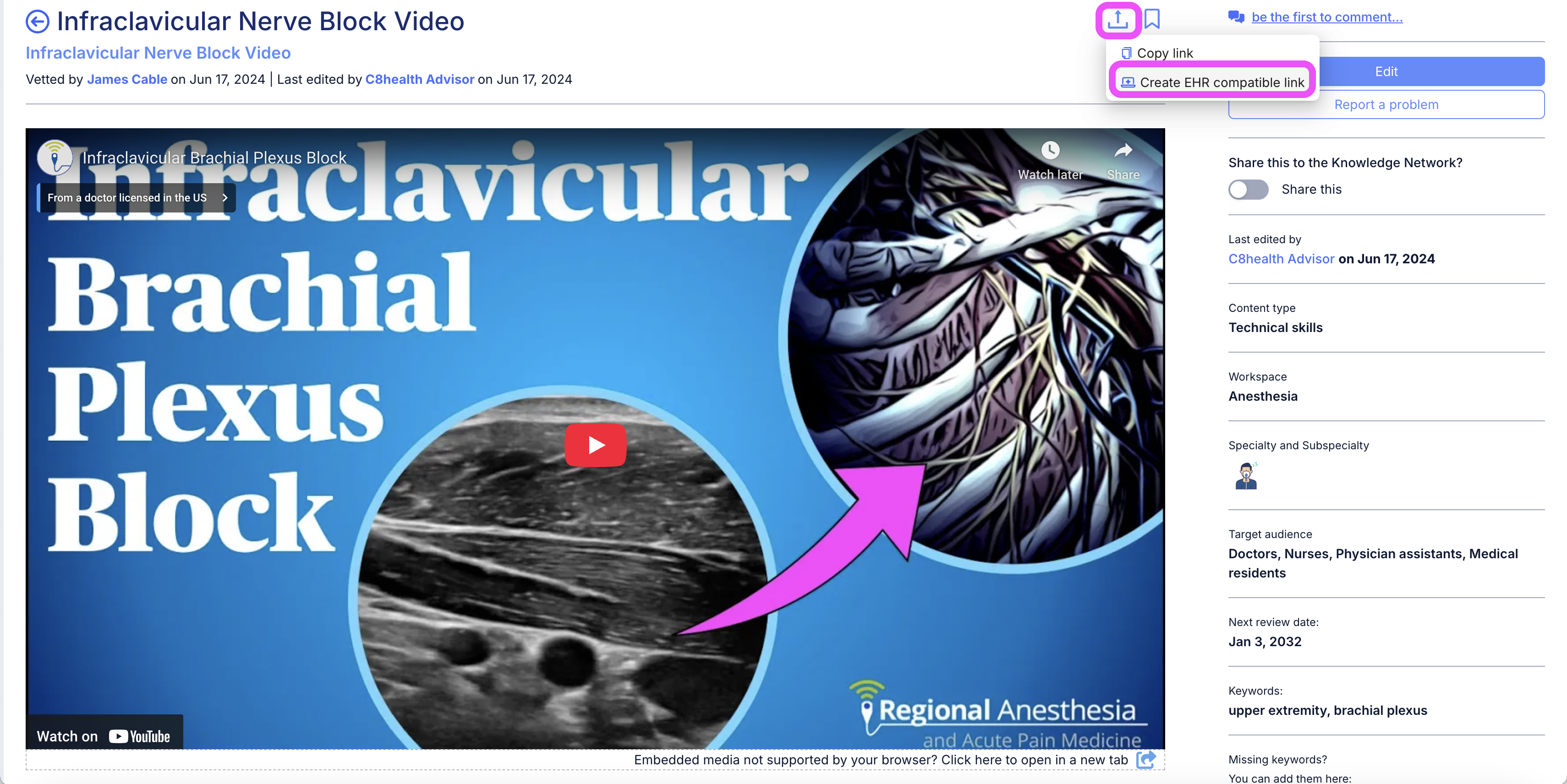
- Open the knowledge item that you want to create a link to
- Click the Share button
- Select Create EMR compatible link